
01
Library Builder
Code-native design systems
Author typed React components, manage external packages, collaborate on files, and publish versioned libraries your whole organization can trust.
Turn reusable React components into production applications with visual logic, routed pages, server data, and governed releases. Rudra gives your team a shared canvas without taking away the code.
3
connected builder layers
1
shared source of truth
100%
inspectable application logic
0
black-box lock-in
One connected platform
Each layer stays reusable, observable, and independently versioned. Your team moves quickly without surrendering architecture.
Library Builder
Author typed React components, manage external packages, collaborate on files, and publish versioned libraries your whole organization can trust.
Module Builder
Compose reusable modules with state, APIs, functions, responsive rules, dynamic visibility, and explicit event flows—without hiding the architecture.
Application Builder
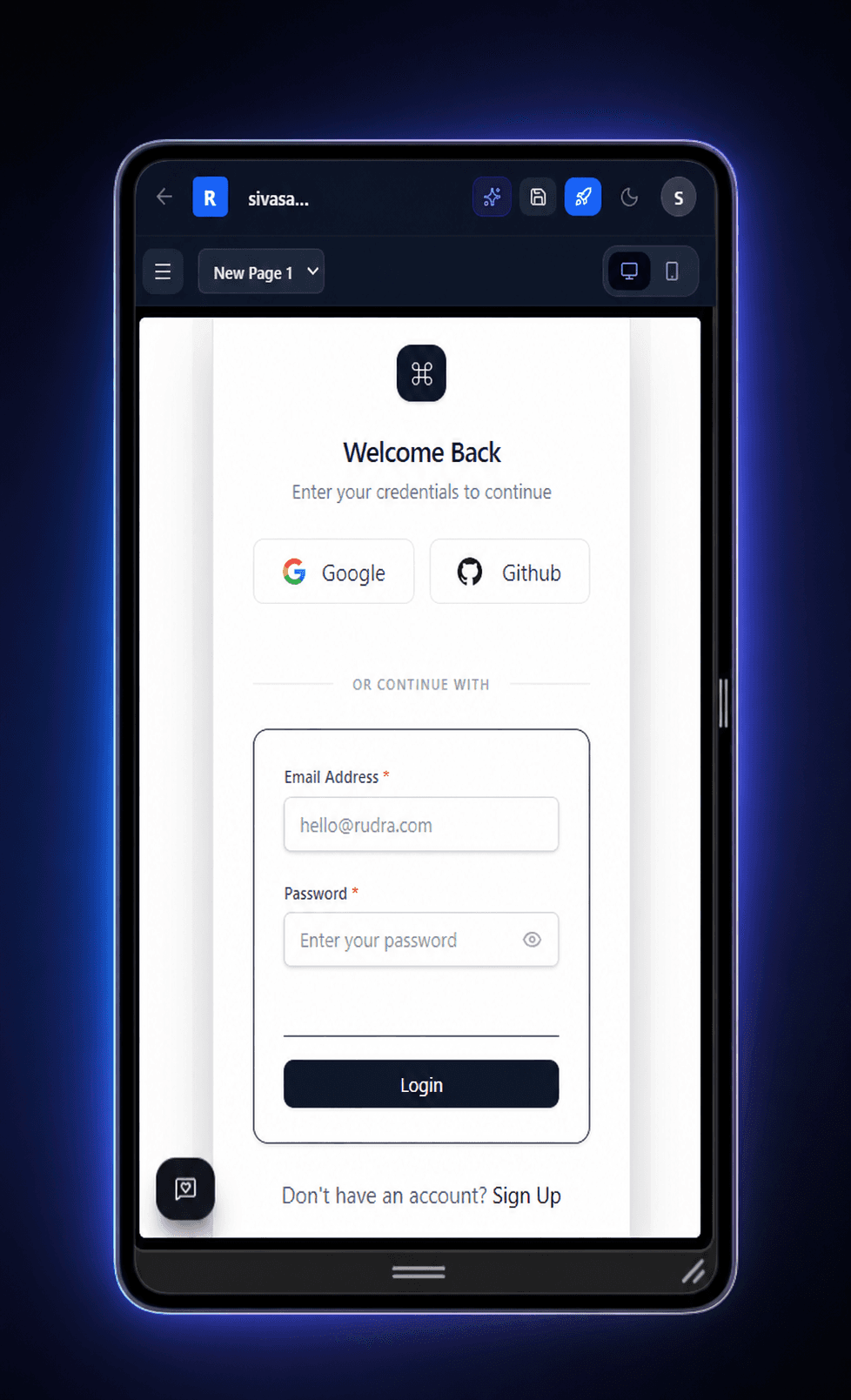
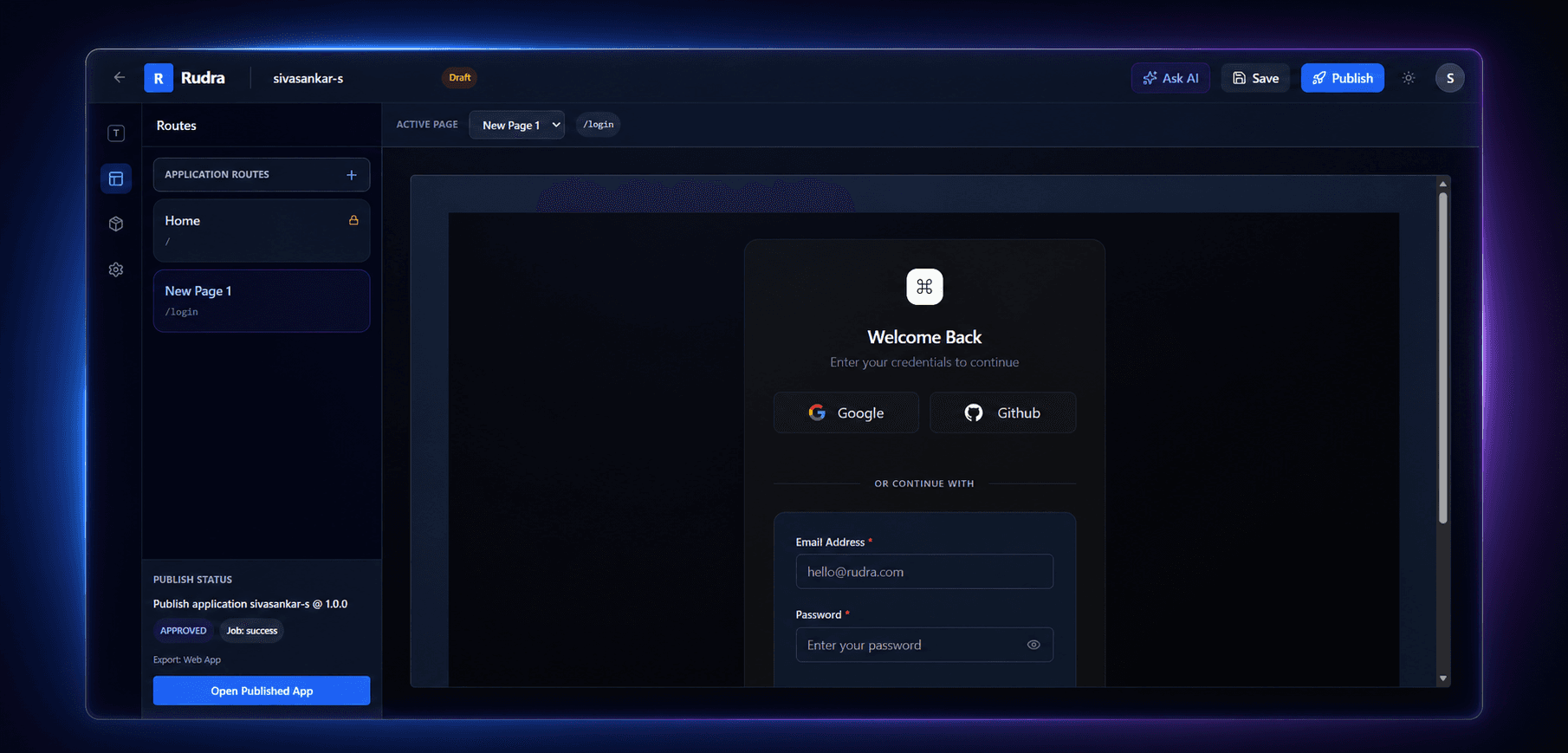
Assemble modules into routed applications, configure environments and authentication, preview every path, then send releases through governed publishing.
Latest in Rudra
Application Workspace V2, public Module commands, layout-template Modules, server-load lifecycle, and encrypted API credentials are now covered in the refreshed guides.
Shape what Rudra builds next
Tell us the outcome, workflow, or product you have in mind. We will review the request and reach back by email to explore how Rudra can help.
Rudra AI assistant
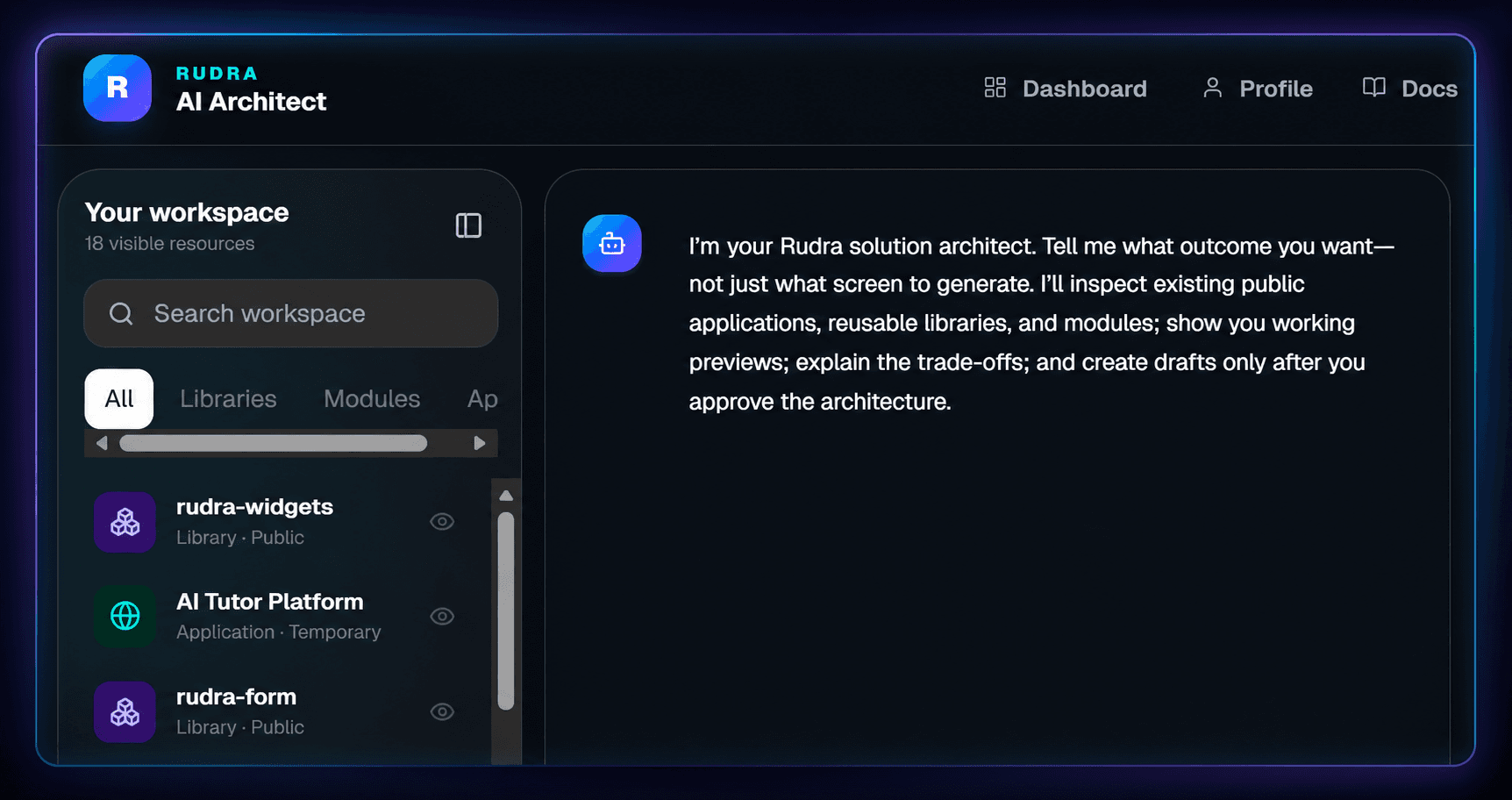
Rudra's AI Architect starts with the outcome, decomposes it into screens, modules, and component needs, then searches public and organization-owned resources for reuse. Inside each builder it understands files, dependencies, canvas state, functions, APIs, queries, CSS, and the active selection.
Create or refactor components, styles, hooks, utilities, and props
Add or remove external library dependencies with compatible metadata
Create, edit, nest, bind, or remove module canvas elements
Build state, functions, APIs, queries, bindings, and runtime variables
Update global CSS, responsive visibility, and interaction logic
Context-aware changes that remain visible and reviewable
Built with your feedback
Clear answers
The essentials for teams deciding how Rudra fits into their application workflow.
Read the complete guideRudra is a visual application platform for React teams. It turns reusable code into versioned Libraries, behavior-rich Modules, and routed Applications that teams can preview and publish.
No. Rudra organizes and orchestrates real React components, typed inputs, visual logic, routes, and deployment settings while keeping the underlying architecture inspectable.
You can build component libraries, reusable product modules, and full web applications with routes, templates, authentication, environments, server-loaded data, and governed releases.
Rudra's AI Assistant works with the current builder context to help create or change components, dependencies, canvas elements, state, functions, APIs, queries, CSS, routes, and bindings.
Bring your components, your architecture, and your team. Rudra connects them into one production-ready workflow.